FROM YOUR COUNTER TO THEIR PHONE
Scan. Track.
Enjoy.
Keep your till. Keep your flow. Give every customer a clear cue when their food is ready.
ONE SIMPLE PICKUP ROUTINE
A clear cue.
A happy handover.
Your team stays in control. Your guests stay in the loop.
- 01
Add the order
Use the receipt number from your existing till.
- 02
Share the QR
Guests scan their order QR, or enter a receipt number on your restaurant page.
- 03
Call it ready
Tap to send the ready cue. Recall it when you need to.
- 04
Hand over the good stuff
Confirm collection and keep the next pickup moving.
GO ON. GIVE IT A LITTLE DING.
Try the pickup moment
An interactive example of what your team and your guest see.


We’re making something good.
Follow your order here. We’ll give you a cue when it’s ready.
#247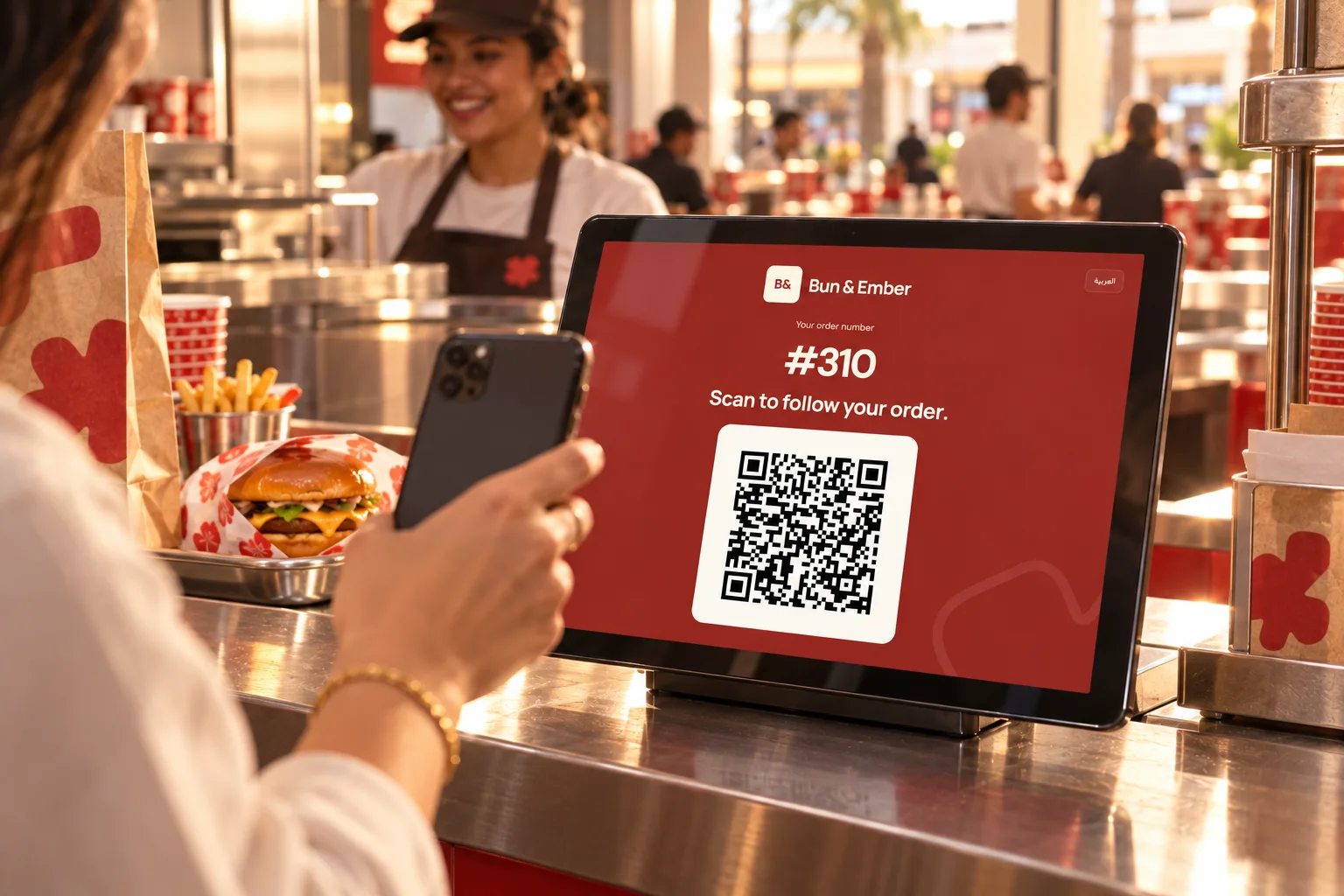
A QR FOR EVERY ORDER
Display.
Scan. Track.
Pair a customer-facing tablet. The latest order’s QR appears automatically for 60 seconds, then your branded standby screen returns.
Guests can also scan a restaurant QR and enter their receipt number.
DING / SETUP
Your counter.
A simple setup.
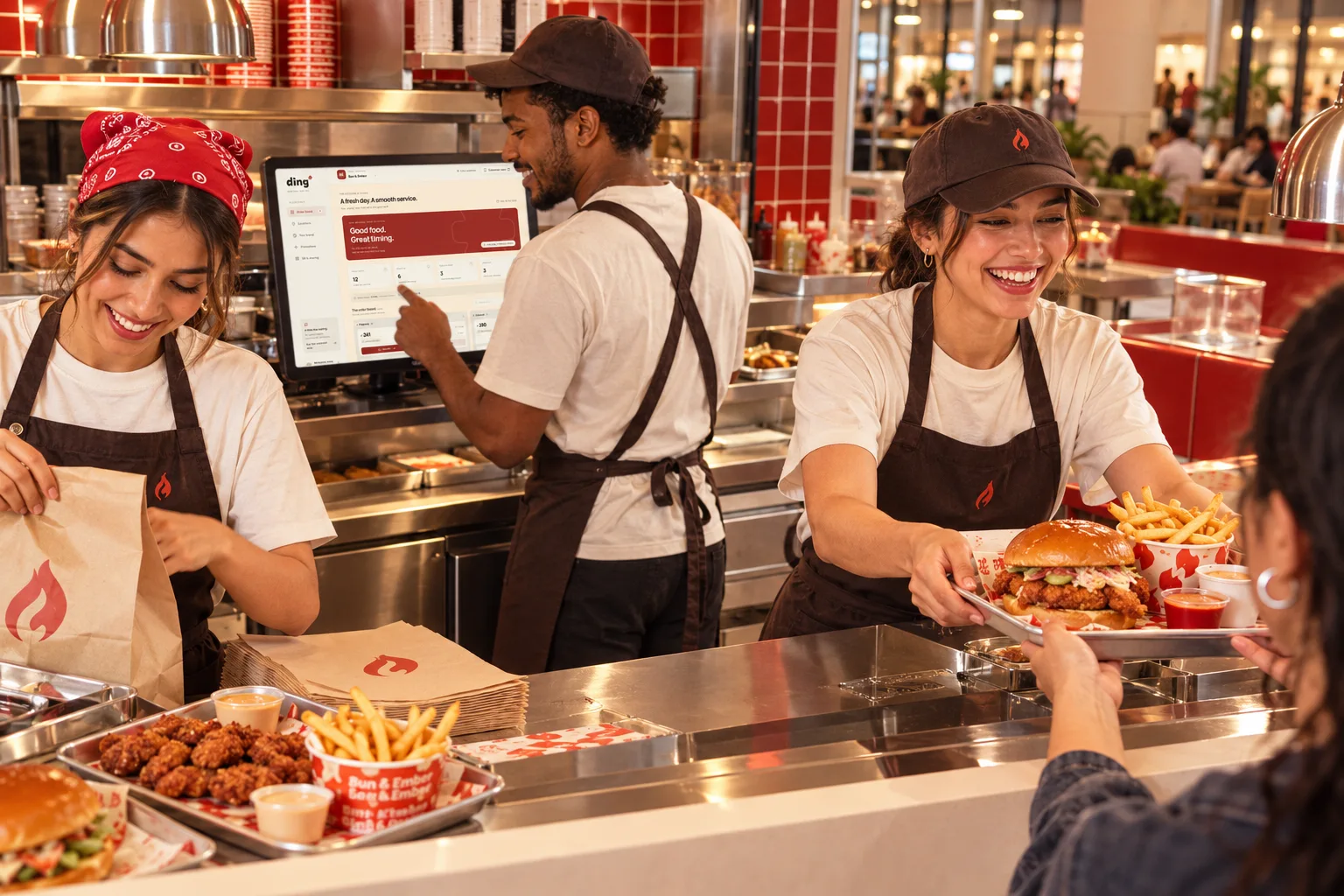
Create your restaurant account, add your brand, place your QR and rehearse a pickup with the team. Ding runs beside your existing POS; staff add receipt numbers to the queue.
DING / FAQ
A few useful answers
Does Ding connect to my POS?
Ding works alongside your till. Staff enter the receipt number into Ding and manage pickup there. Automatic POS/KDS connections are planned.
Do guests need an app?
Guests can open their order page by scanning a QR code. Supported phone notifications require permission and device setup; the app includes setup guidance.
Can each branch have its own branding?
Yes. Groups supports a separate branded pickup queue for every subscribed branch.
What happens after the trial?
The card-required online trial lasts 14 days. Your chosen subscription bills automatically afterward. Review or cancel it in the app’s billing area.
Is Ding available in Arabic?
Yes. The app and this website support English and Arabic, including right-to-left layouts.
Can I export reports?
Yes. Version 2.1 includes PDF exports for operational reporting within your permitted location scope.

A LITTLE LESS WAITING. A LOT MORE ENJOYING.
Your next pickup,
with Ding.
14 days to try Ding. Card required. Automatic billing follows.